 Bible for Me
 started on iPhone, and the Android app is the same idea built for Android: press play and have Scripture read to you, or sit down and read it like a book. Here's what's in it.
Every chapter, read aloud
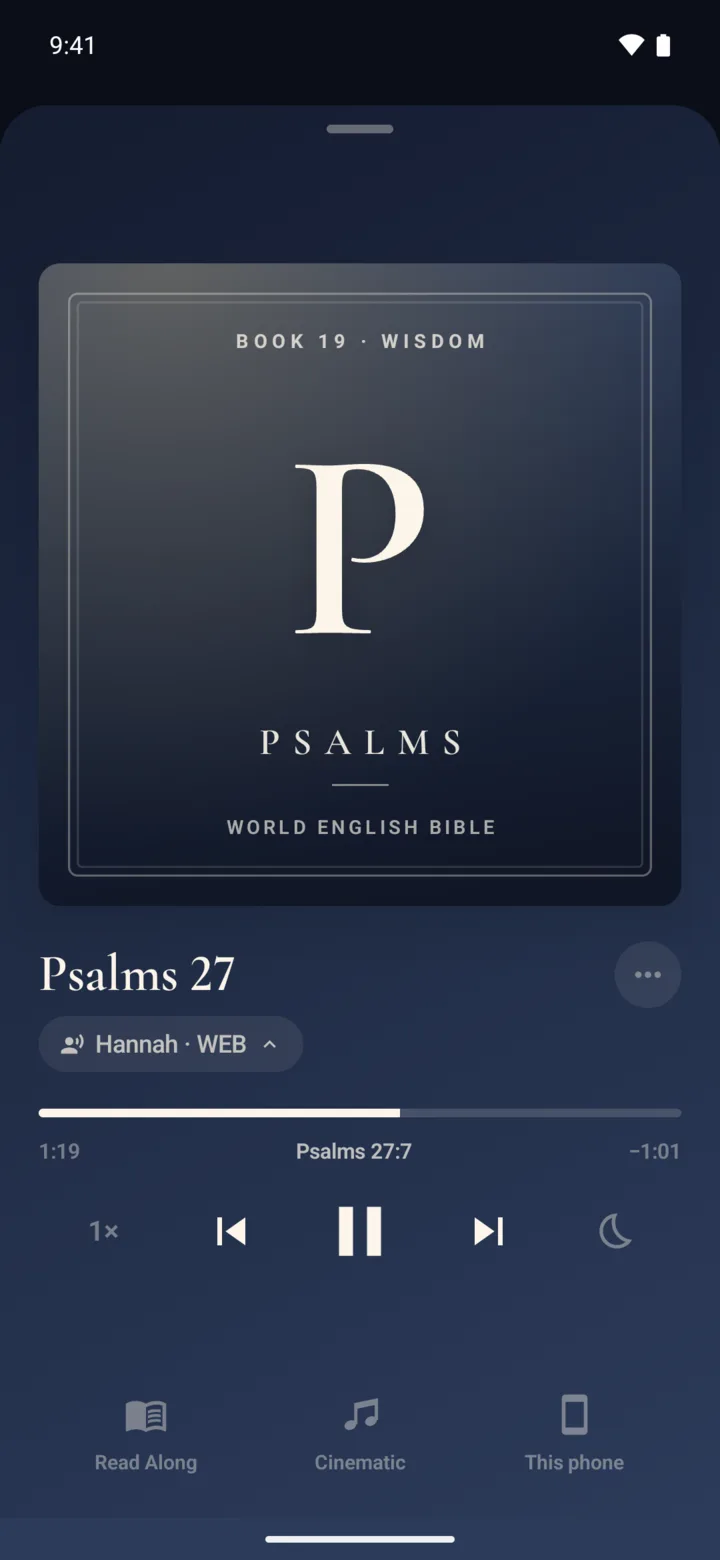
Hannah, the free narrator, reads the whole Bible. Bible for Me Plus adds seven more voices: Nathan, Evelyn, Elliot, Grace, Michael, Emma, and George. The narrators are AI-generated voices, not human readers, and narration is available for the World English Bible, the King James Version, and the American Standard Version. The verse being read is highlighted as you go, you can change the speed, and audio keeps playing with the screen off.
Plus also adds Immersive Audio, which puts a quiet score and the sounds of the scene under the narrator, with four mixes from Narrator only to Cinematic, and a sleep timer for listening at bedtime.
Android Auto for the drive
Bible for Me shows up in Android Auto. Start from the Listen tab, browse every book, or search for a chapter from the car's screen. A starter set of chapters, including the first chapter of every book, is installed with the app and plays without any download. Other books download from Google Play the first time you play them, so it's worth starting a book on Wi-Fi before a long trip. On iPhone, the same thing is done with CarPlay.
Foldables and tablets get a two-page spread
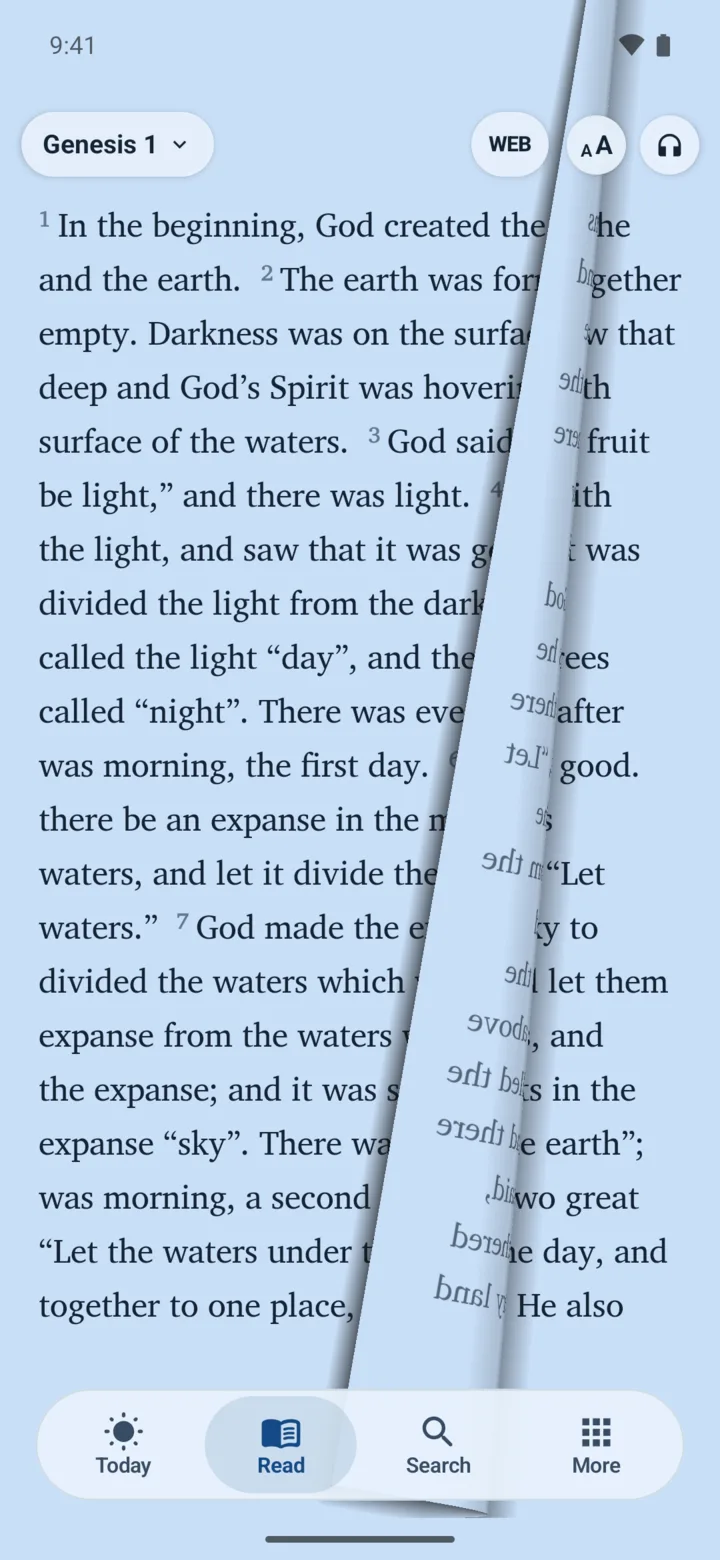
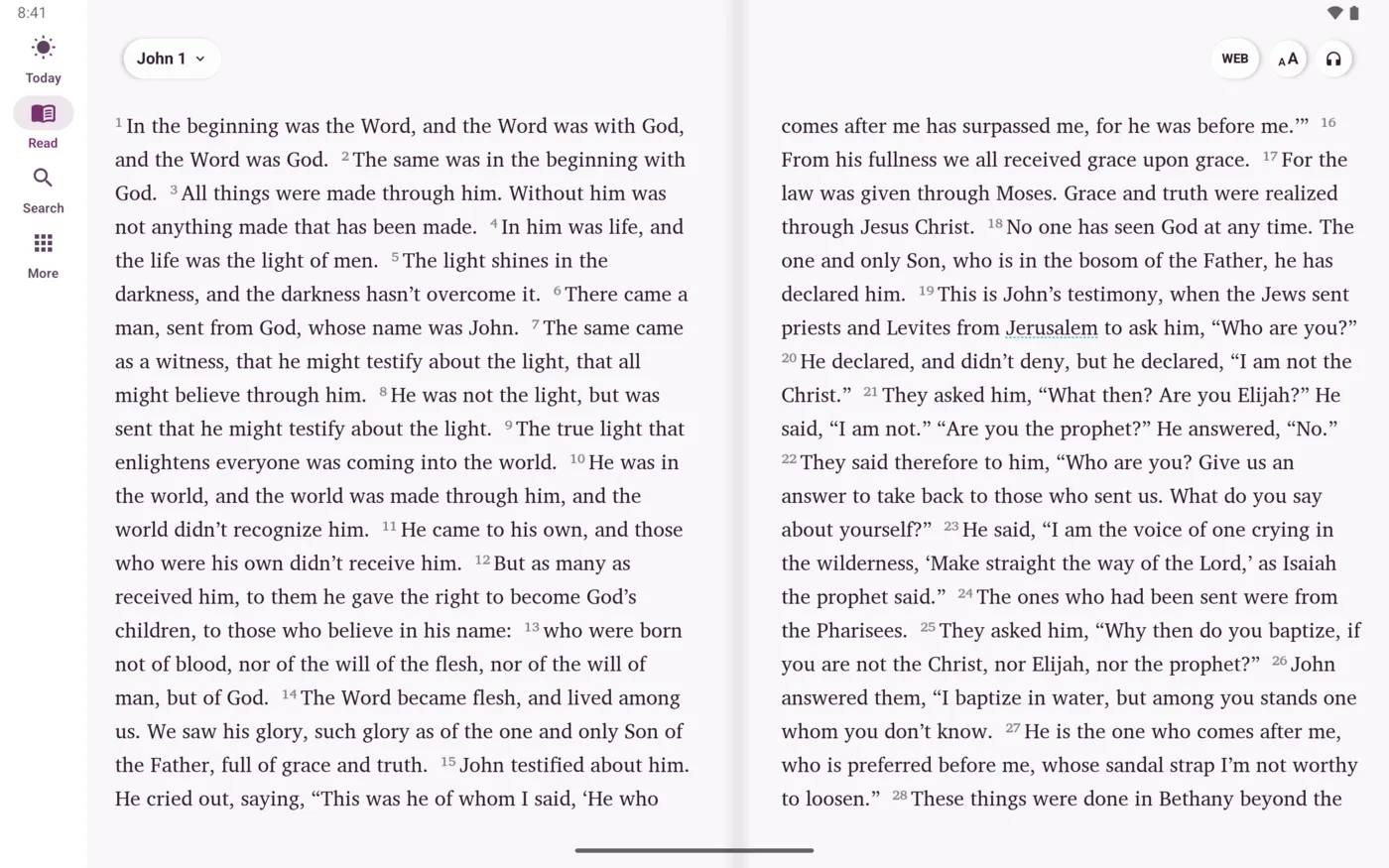
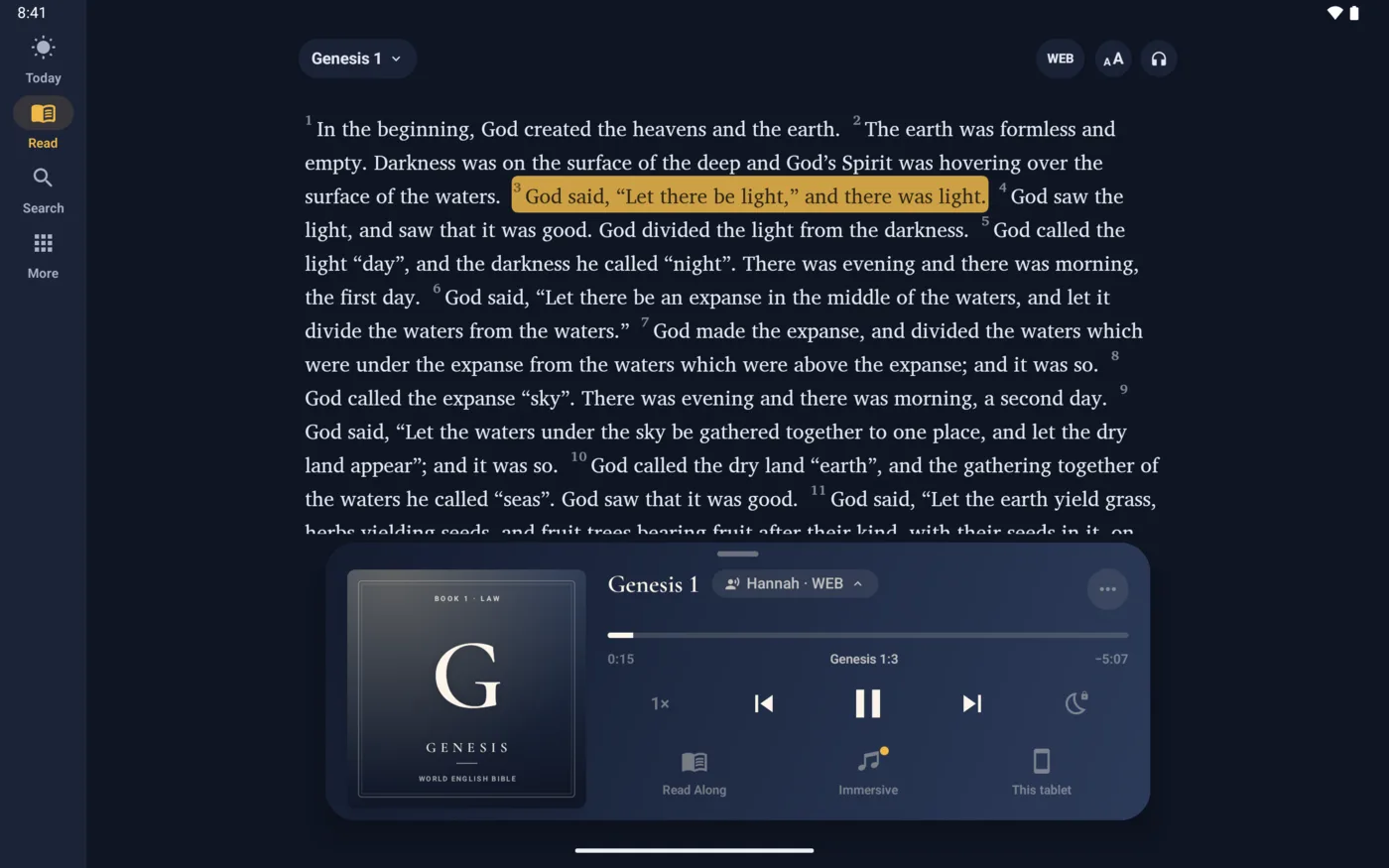
Unfold a foldable or pick up a tablet and the app uses the room. Today and Settings lay out in two columns, Study notes open beside the chapter instead of on top of it, and the player docks under the text so you can read while you listen. Turn the device sideways with Page style set to Page turn and the chapter opens as two facing pages, like a book. The spread is free.
On iPhone Duo and iPad the app does the same thing. See iPhone Duo and iPad.
Read your way
There are 38 translations to read, twelve themes (two of them free), adjustable text size, and a choice between scrolling and pages that turn. Highlight verses, add notes, and tap Study on any verse for the original Hebrew or Greek with Strong's entries and cross-references. The Biblical Map shows the places and journeys behind the text.
A daily habit
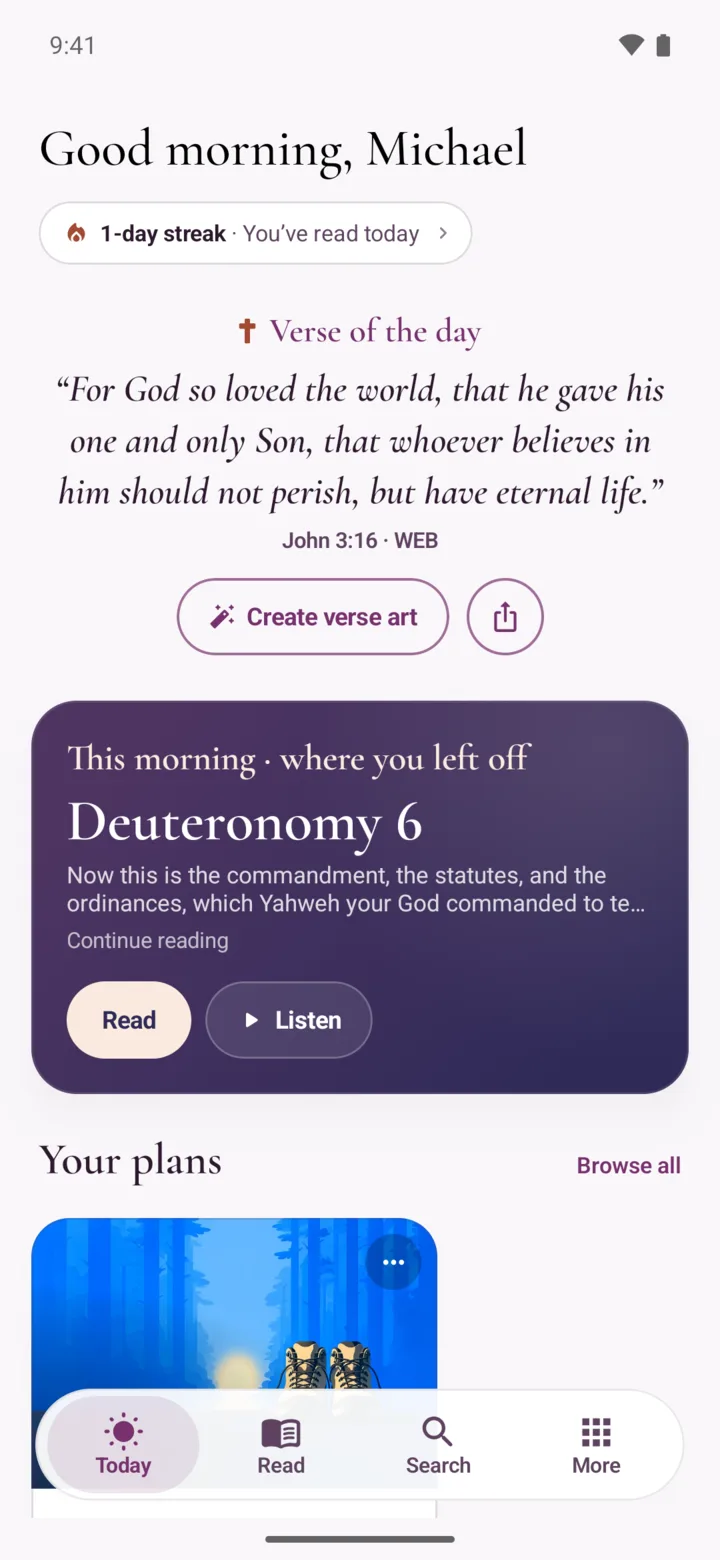
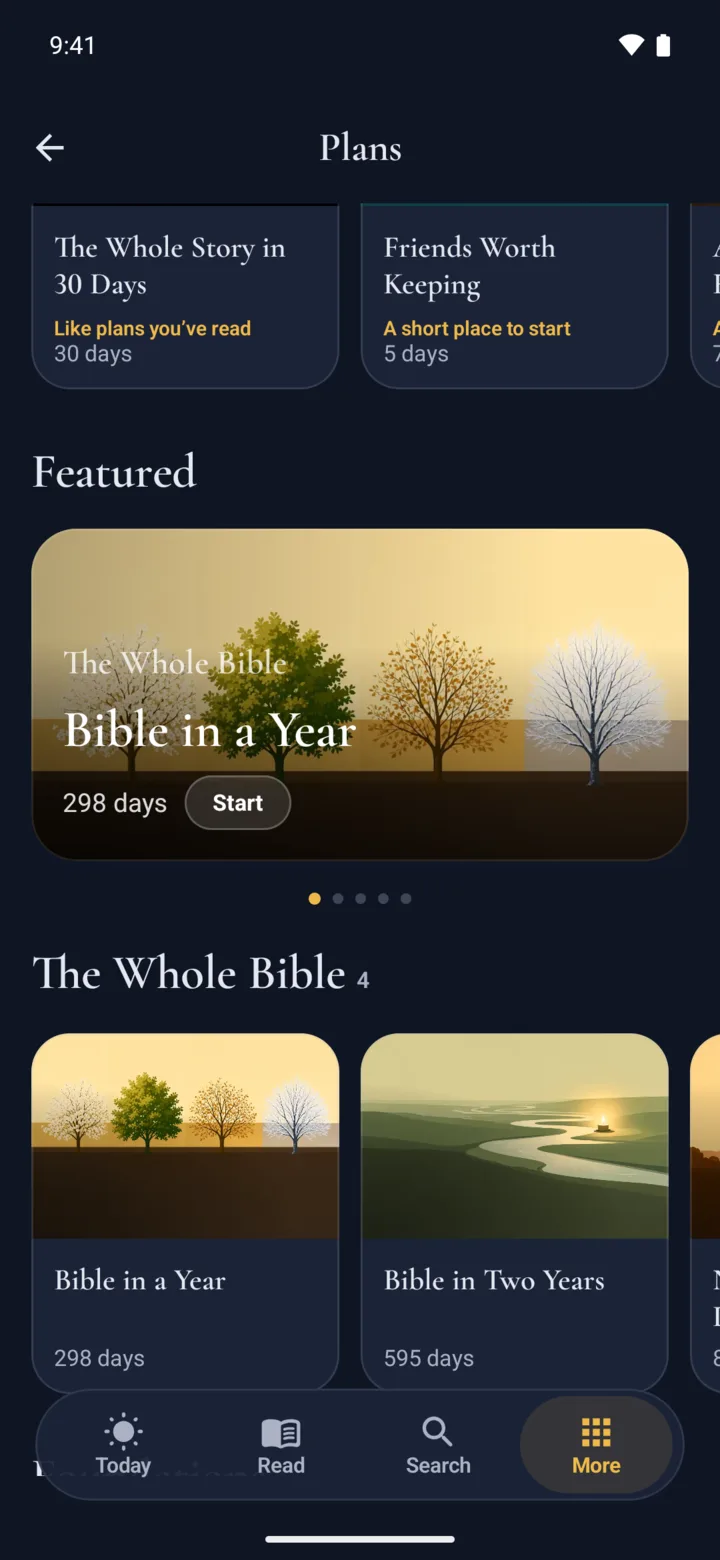
Today opens with the verse of the day, where you left off, and your plan. Pick from reading plans with daily devotionals, set a reminder, and put the verse of the day on your home screen with the widget. There's also a prayer journal, verse memorization, a giving tracker, and verse images and videos you can save or share with any Android app.
Private, with no account
There's nothing to sign up for and there are no ads. Your highlights, notes, and prayers stay on your device. If you want a backup, turn on Google Drive Backup in Settings (it's off by default) and they're kept in a hidden app folder in your own Google Drive, where we can't see them. The app records anonymous usage events and install attribution, and it doesn't use your advertising ID. The privacy policy has the details for Android.
What's free and what's in Plus
Free, with no account: reading in 38 translations, Hannah's narration, reading plans and daily devotionals, highlights and notes, the prayer journal, the two-page spread, offline audio, and Android Auto. Bible for Me Plus adds seven more narrators, Immersive Audio, ten more themes, the sleep timer, and more personal tools. On Google Play, Plus is $7.99 a month or $39.99 a year in the US, with a 7-day free trial on the yearly plan if you're eligible. Google Play shows the price in your currency before you buy, and you can cancel there anytime.
Subscriptions are separate on each store. Plus bought on the App Store doesn't carry over to Android, and Plus bought on Google Play doesn't carry over to iPhone.
Questions
Is Bible for Me available on Android?
Yes. Bible for Me: Audio Bible is on Google Play for phones, tablets, and foldables running Android 8.0 or later. It's free to download, with no account and no ads.
Is the Android app free?
Yes. Reading in 38 translations, Hannah's narration, reading plans and daily devotionals, highlights, notes, the prayer journal, the two-page spread, and Android Auto are free. Bible for Me Plus is optional and adds seven more narrators, Immersive Audio, ten more themes, the sleep timer, and more personal tools.
Does Bible for Me work with Android Auto?
Yes. Bible for Me has an Android Auto app. Start from the Listen tab, browse every book, or search for a chapter from the car's screen. A starter set of chapters, including the first chapter of every book, comes with the app and plays without a download.
Does it work on foldables and tablets?
Yes. On a tablet or an unfolded foldable, Today and Settings use two columns, Study notes open beside the chapter, and the player docks under the text. Held sideways with page turns on, each chapter opens as a two-page spread.
Can I listen to the Bible offline on Android?
Yes. Narration downloads through Google Play the first time you play a book, and then plays with no connection. A starter set of chapters is installed with the app and needs no download at all.
Does my Plus subscription from iPhone carry over to Android?
No. The app has no account, so a subscription belongs to the store that sold it. Plus bought on the App Store works on Apple devices, and Plus bought on Google Play works on Android devices. The free app is free on both.
Which Android version does Bible for Me need?
Android 8.0 or later.